For our Rebate / Coupon offers, each campaign is a bit different.
Some offers are only able to be redeemed once for the duration of the campaign, or once per week, while others may be able to be redeemed more than once per time frame.
Each offer will show you how many redemptions are available to you in the offer time frame.
Steps to check the number of available redemptions -
- Find the offer you're interested in on the main Offers Page
- Select the offer
- Beside the Cash Back dollar amount on the page, underneath the offer name, you'll see the 'Limit Per Person' (see images below!)
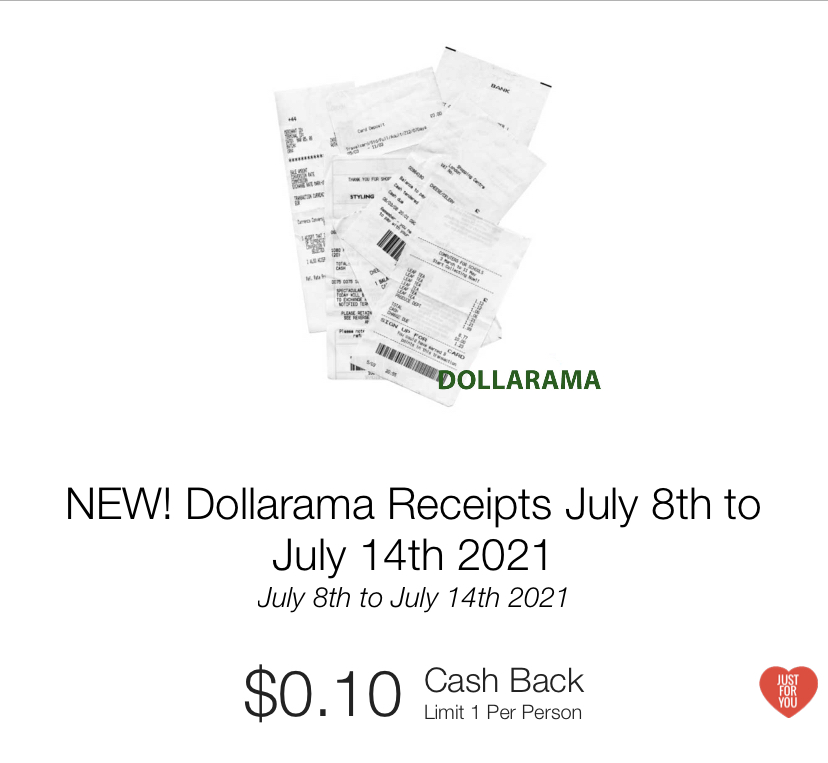
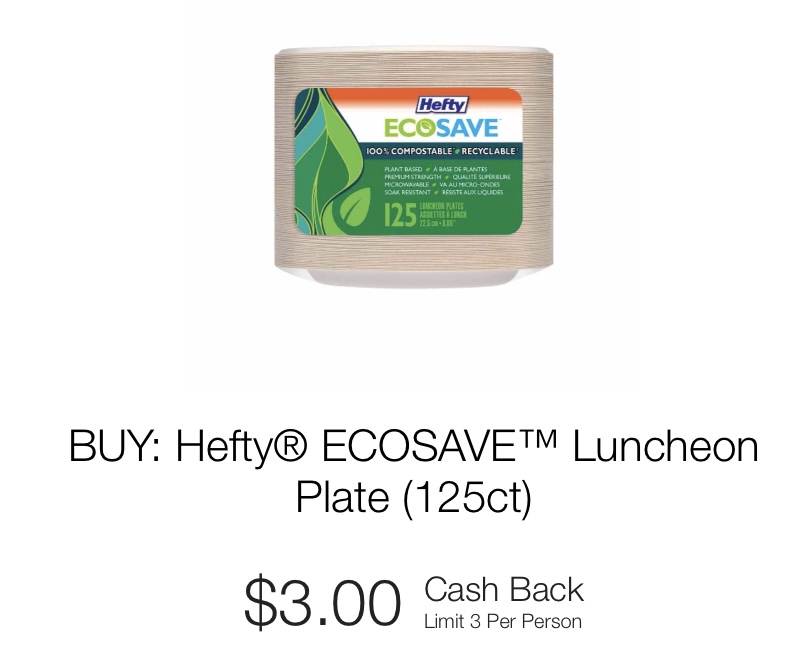
Unless otherwise indicated in the offer, when more than 1 redemption is available per person, the redemptions can be claimed all at once on one receipt, or in separate uploads from separate purchases.
For any other offer type – Review, Survey, Email Sign-up – you may only redeem ONCE.
Once you have redeemed all available redemptions for an offer, that offer will no longer be visible on your Offers Page.
Submit a Support Request if you have more questions!
Comments
0 comments
Article is closed for comments.